Update
You can update DC Netscope by upload an update archive to the virtual machine. Download the latest update archive from the following page:
- French : https://www.easyvirt.com/mises-a-jour-dc-netscope/
- English: https://www.easyvirt.com/en/updates-dc-netscope/
Then, upload this archive in the Updater section of the administration interface.
Updating via the Administration Interface
Go to the Updater section in the administration page of DC Netscope :

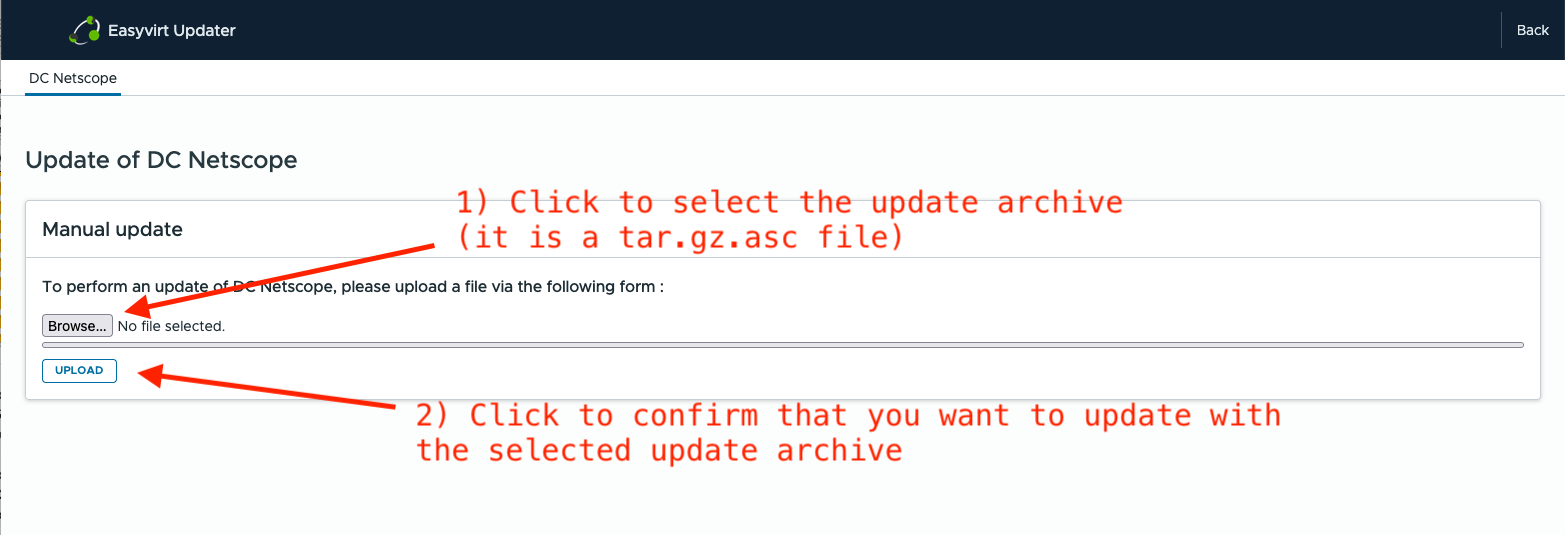
Click on the Browse button to select the archive file. The file should have the .tar.gz.asc file extension.
Once the file is selected, click Upload to start the update process.
A progress bar will appear, indicating the upload progress.
Warning
The progress bar may appear to freeze for about a minute at the end of the upload. This is normal — the virtual machine is writing the uploaded file to disk.
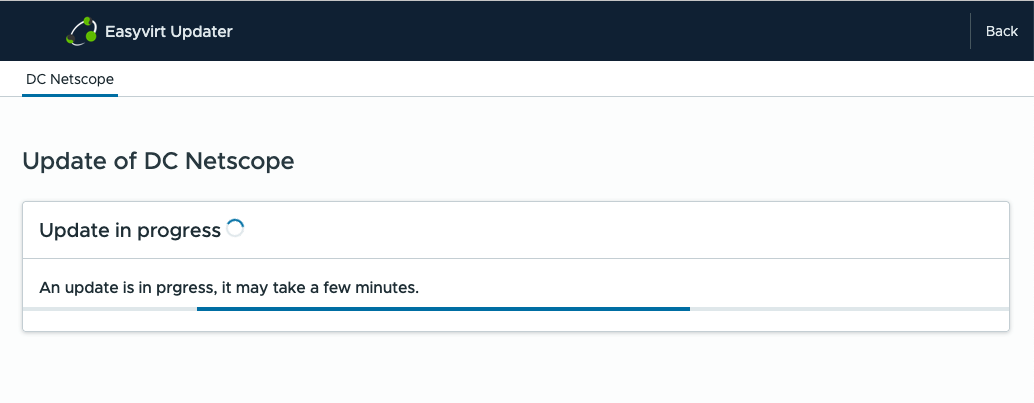
After a few minutes, the update process will begin automatically. The update typically takes 5–6 minutes to complete.
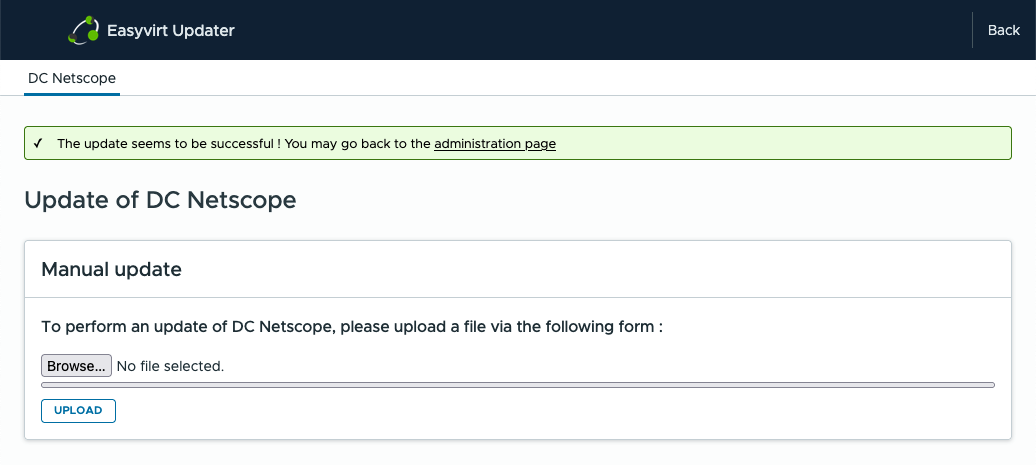
When the update is complete, a confirmation message will appear indicating that the process was successful.
If you get an error message, please contact the support.
Manual update (via command lines)
You can manually update DC Netscope by uploading an update archive and forcing DC Netscope to start the update process:
cp dcnetscope-install.tar.gz.asc /var/lib/docker/volumes/easyvirt_updates/_data/dcnetscope-install.tar.gz.asc
touch /tmp/exec_updater
If you want to update a remote DC Netscope (for example 1.2.3.4), you can use ssh :
export REMOTE_HOST="1.2.3.4"
scp dcnetscope-install.tar.gz.asc root@$REMOTE_HOST:/var/lib/docker/volumes/easyvirt_updates/_data/dcnetscope-install.tar.gz.asc
ssh root@$REMOTE_HOST touch /tmp/exec_updater