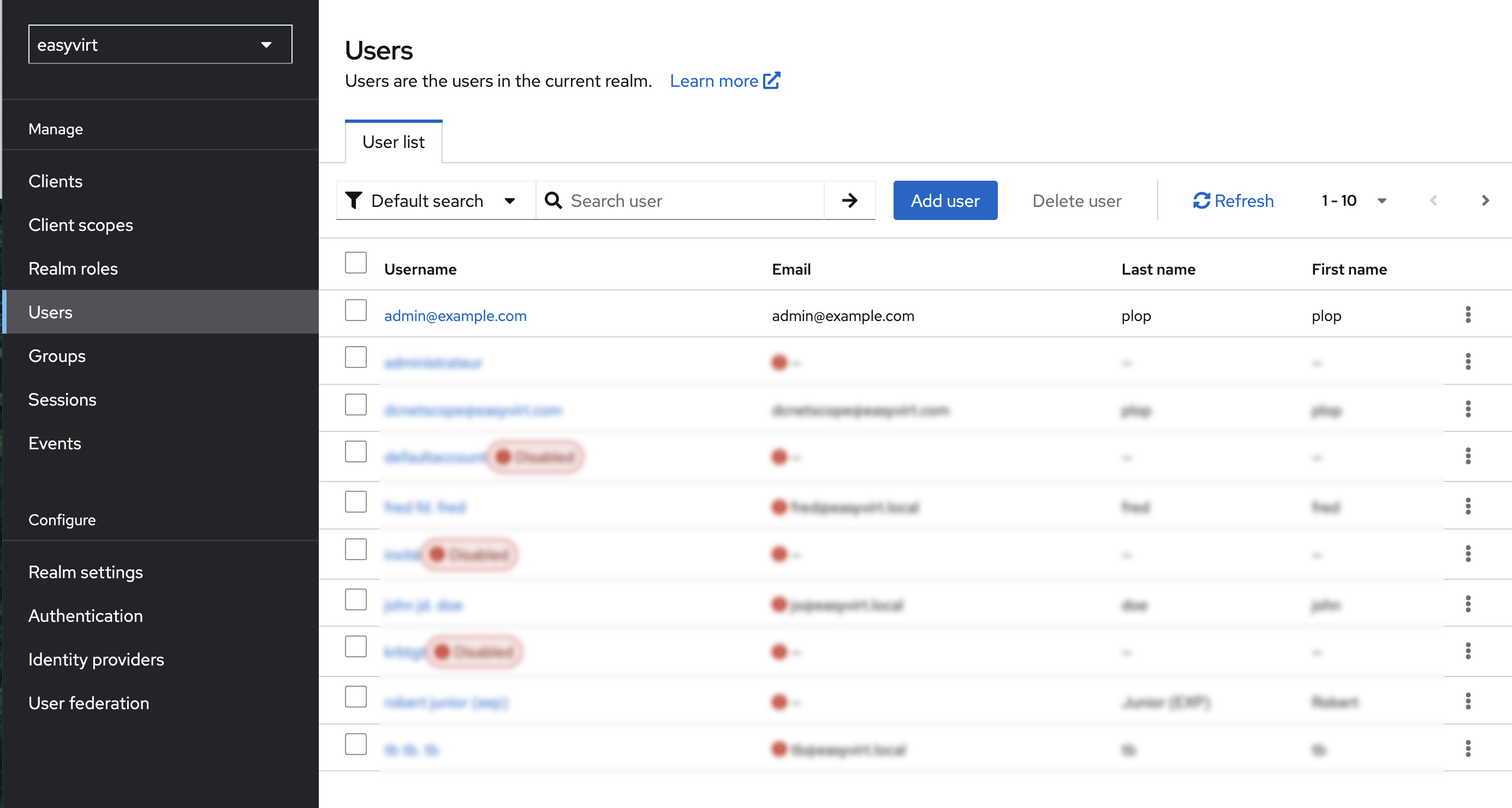
User management
DC Netscope embeds Keycloak to manage the users, their authentication and their rights. You can create local accounts, or delegate the users to a directory: LDAP, Active Directory, or an OpenID provider.
Opening Keycloak
Go to the Users management section of the administration interface:

Log in with the administrator account, then choose the easyvirt realm, which holds the users of DC Netscope:
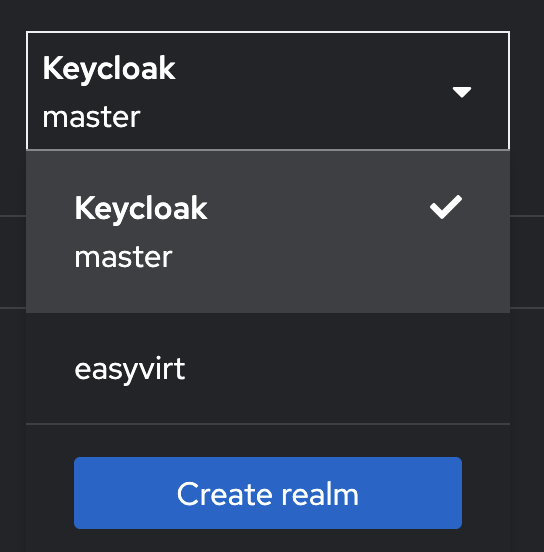
Connecting an Active Directory
As an example, take an Active Directory with:
- the address
192.168.4.17, - its users in
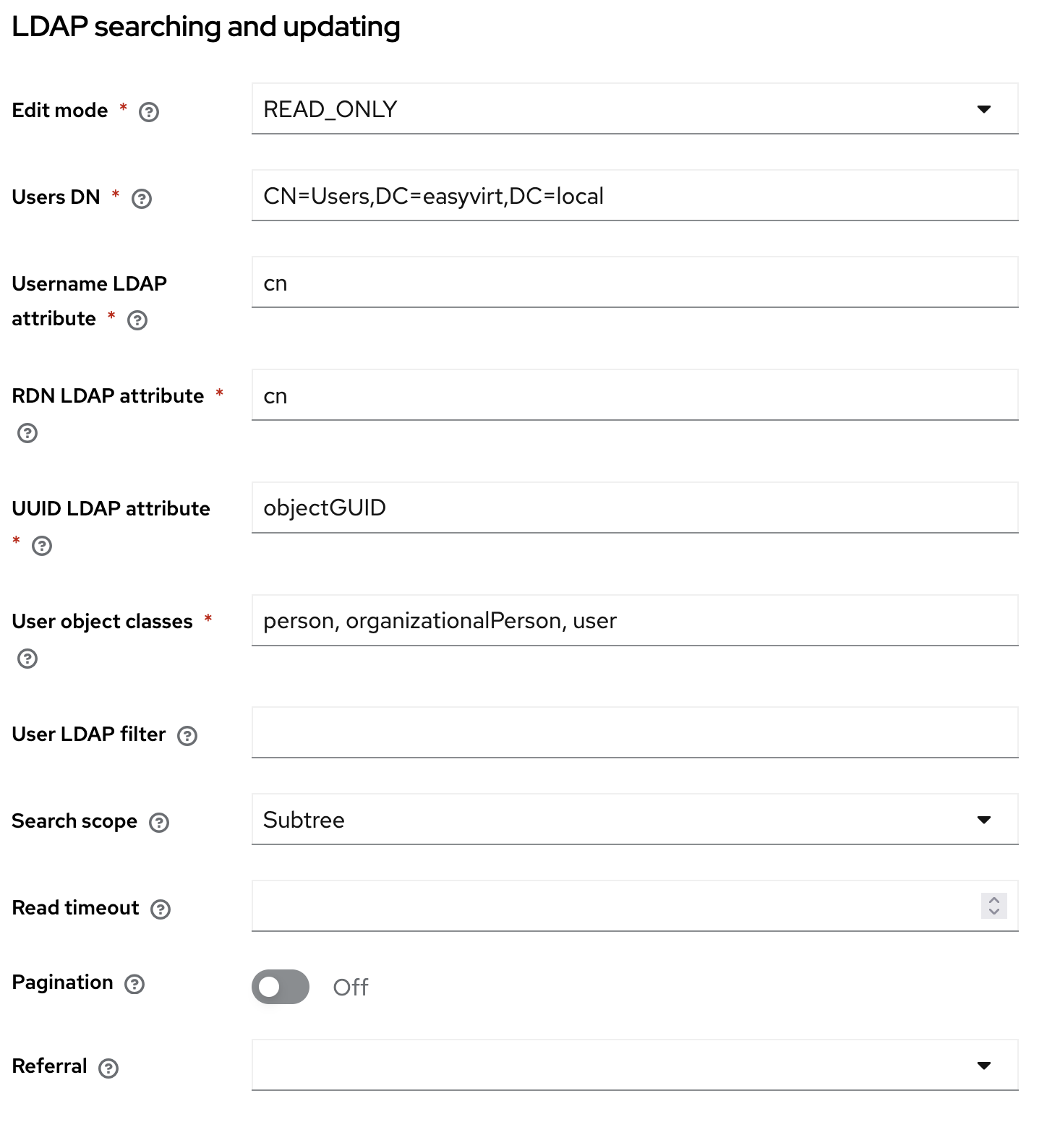
CN=Users,DC=easyvirt,DC=local, - an administrator account
CN=Admin,CN=Users,DC=easyvirt,DC=local.
In User federation, click Add LDAP providers, and choose Active Directory as the Vendor. Then:
-
Give the address of the Active Directory. Click
Test connectionto check it.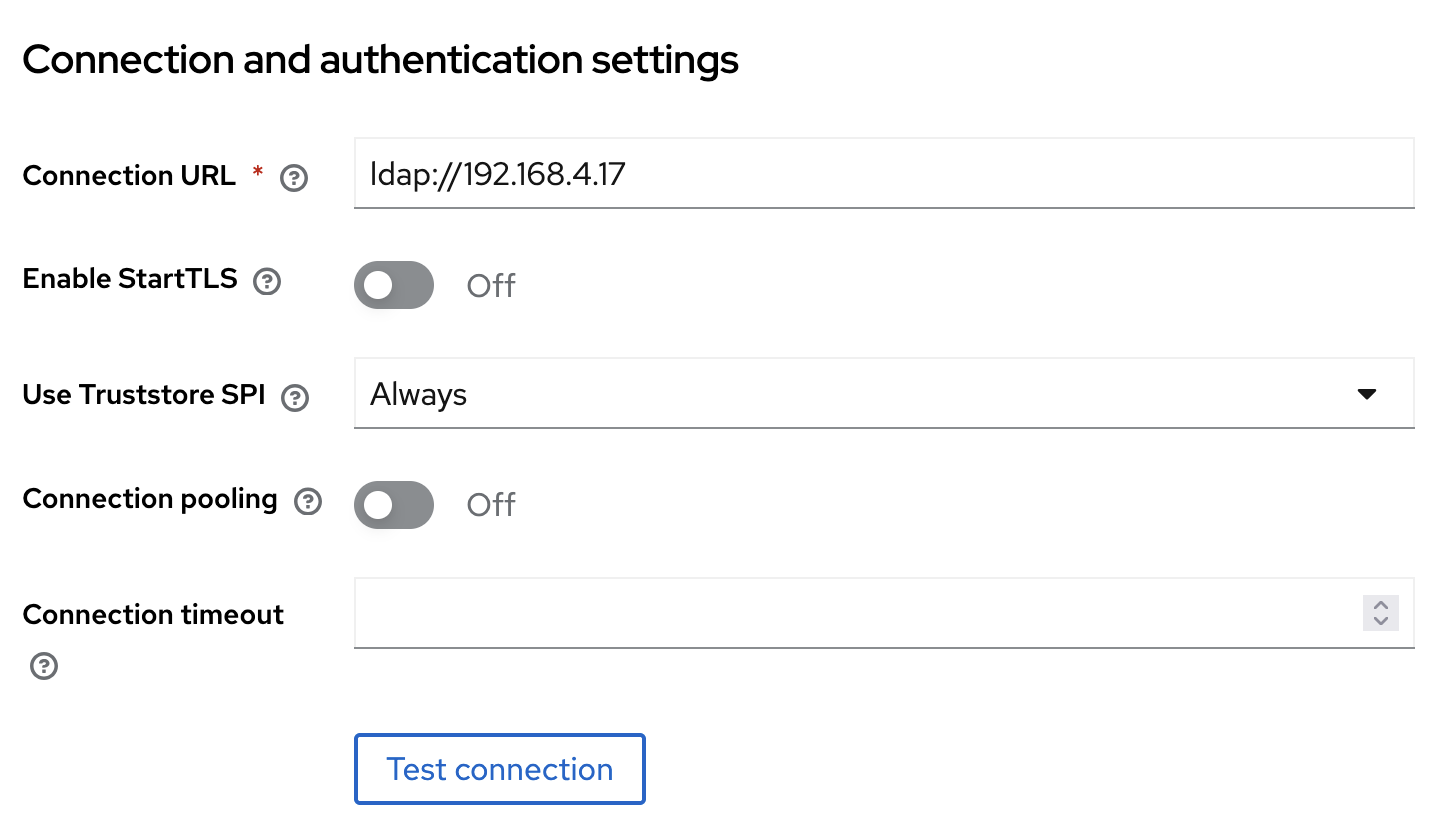
-
Give the account Keycloak logs in with. Click
Test authenticationto check it.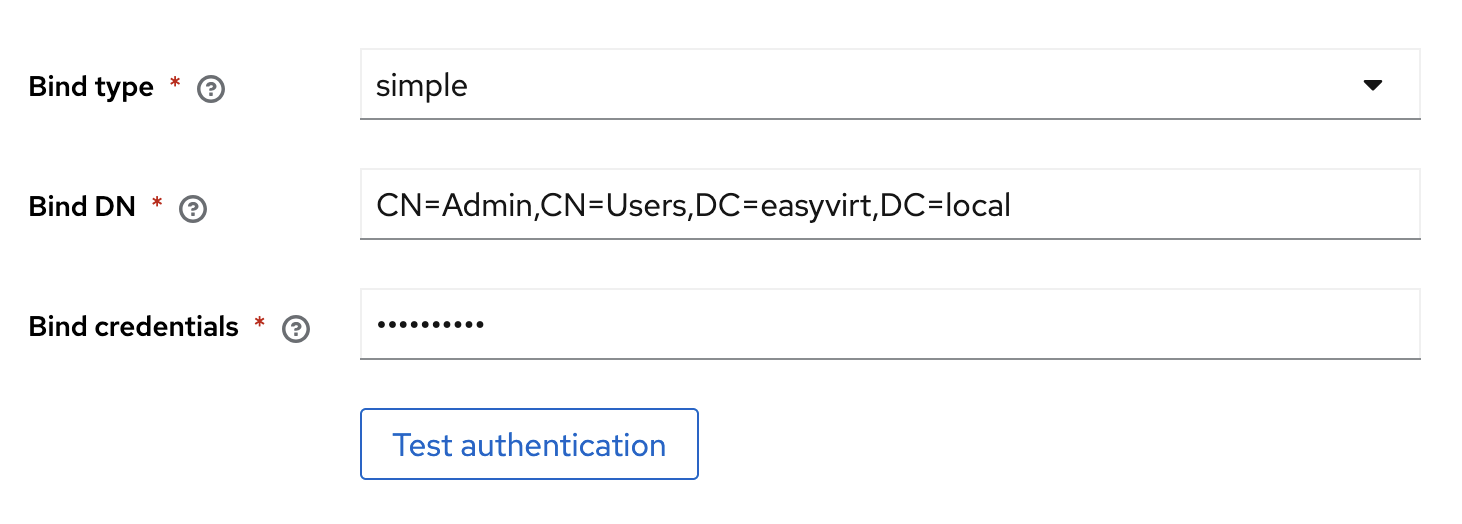
-
Tell where the users of DC Netscope are.
-
Import the users. At the top of the page, open
Actionand chooseSync all users.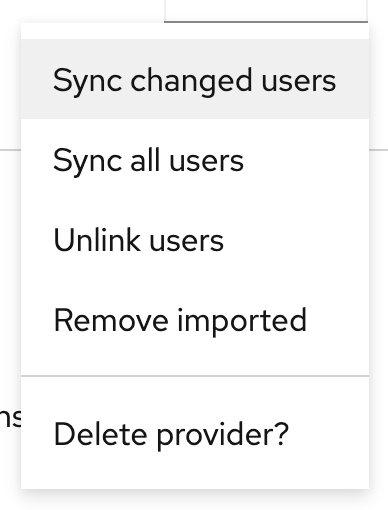
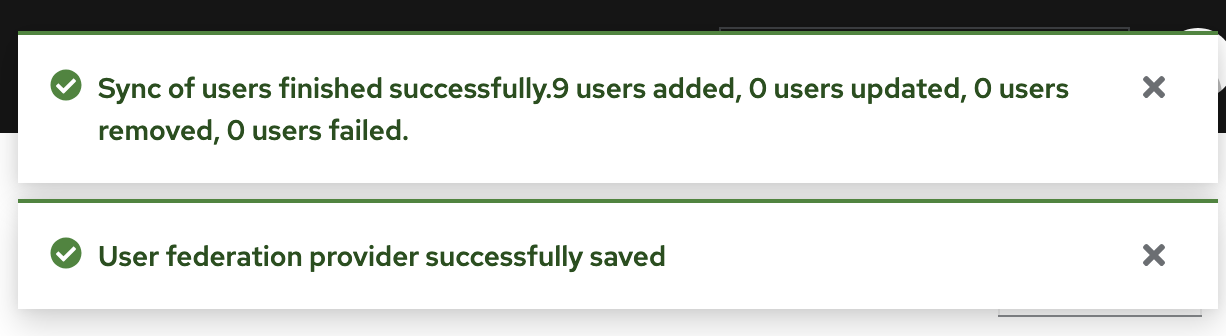
Keycloak confirms the synchronization:
-
Check the users. They are listed in the
Userssection.